By Creative Young SolutionsPublished 9 min read
A developer can only price what they can picture. When a brief says “a modern website with a few pages and a contact form”, every supplier imagines a different project — and their quotes differ accordingly. A good brief doesn't need technical language. It needs clear answers to a short list of questions that decide how much work there actually is.
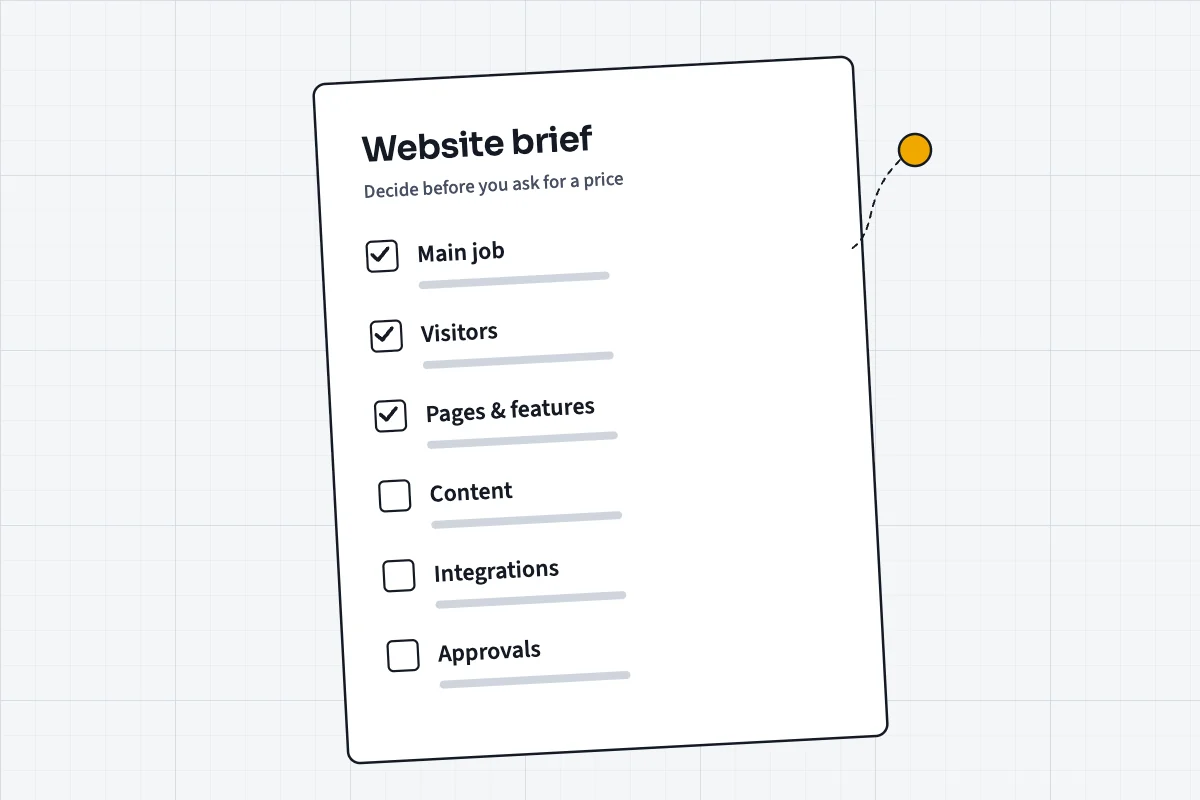
Write down the site's one main job, who it's for, every page and feature it needs, what content you'll supply, which systems it must connect to, the accessibility and privacy rules that apply, and who signs off. That turns a guess into a quote.
Start with the one job the site must do
Every website does several things, but one of them matters most: taking bookings, generating enquiries, selling products, informing members, recruiting staff. Name that job first. It decides the structure of the home page, the pages that get the most design attention and the actions the site is built to encourage.
It also gives you a way to judge every later request. When someone suggests a news section, a live chat widget or an animated banner, the question becomes simple: does this help the site do its main job? If not, it can wait — and leaving it out keeps the price down.
Write the job as a single sentence a stranger could understand, for example: “The site exists so that parents in our area can find a class, see the timetable and book a trial session.” That sentence will do more for your quote than a page of adjectives.
Describe who visits, and what they need
List the groups of people who will use the site and what each of them is trying to do. A clinic's visitors might be new patients looking for services, existing patients looking for opening hours, and referring professionals looking for a contact route. Each group needs different pages and a different path through them.
This is also where you note practical facts about your audience: whether most of them arrive on phones, whether some need content in a second language, whether they are likely to use assistive technology. These details change design decisions, testing effort and, sometimes, the technology the site is built on.
List every page and every feature
Developers price pages and features, so give them a list. A simple sitemap — even a bulleted list of page names — is enough. Mark which pages are unique layouts (a home page, a booking page) and which repeat a template (twenty service pages that share one design).
Then list features separately, because features are where budgets go. Each item below can move a quote substantially, so say plainly whether you need it:
- Contact or enquiry forms, and where submissions should go
- Online payments or a shop, with the number of products
- Bookings, calendars or appointment scheduling
- User accounts, logins or member areas
- A blog or news section you'll update yourself
- Search, filtering or a catalogue
- Multiple languages
- Integrations with other systems (see below)
Be honest about content
Content is the most common reason website projects run late. A developer can build page templates quickly; they cannot write your service descriptions, choose your photographs or confirm your prices. Decide who is responsible for each piece of content before the project starts.
In the brief, state which content already exists, which needs rewriting and which needs to be created from scratch — text, images, video, documents. If you expect the supplier to write copy, take photographs or produce illustrations, say so explicitly; it's a separate piece of work with its own cost.
Name the systems it must connect to
A website rarely stands alone. It may need to send enquiries to a CRM, add subscribers to an email tool, take payments through a specific provider, pull stock from a point-of-sale system or sync bookings with a calendar. Each connection is a small piece of software development, and some are far more complicated than others.
List every system by name, and say who has the login details. If you don't know whether a system can connect to a website, say that too — a good supplier will check before quoting rather than discover it halfway through the build.
Include the accessibility and privacy rules that apply
Some requirements aren't preferences; they're rules. In Ontario, the Accessibility for Ontarians with Disabilities Act requires designated public-sector organisations and businesses or non-profits with 50 or more employees to make their public websites meet WCAG 2.0 Level AA, with exceptions only for live captions and pre-recorded audio descriptions. Even where the law doesn't apply to you, the current WCAG 2.2 guidelines are the recognised benchmark for a site that works for everyone.Sources for this passage: Government of Ontario — How to make websites accessibleW3C — Web Content Accessibility Guidelines (WCAG) 2.2
Privacy matters as soon as the site collects personal information — an enquiry form, a newsletter sign-up, a booking. Canada's federal private-sector privacy law, PIPEDA, governs how businesses collect, use and disclose personal information in commercial activity, and your brief should say what the site collects and where it goes. If the site sends marketing emails, Canada's anti-spam legislation, CASL, sets rules on consent and unsubscribing that the sign-up form and email tool must respect.Sources for this passage: Office of the Privacy Commissioner of Canada — PIPEDACRTC — Frequently asked questions about Canada's anti-spam legislation
Stating these requirements up front means they're designed in and priced in, instead of bolted on later at a higher cost.
Think about search from the beginning
If you expect people to find the site through search engines, that shapes the structure: which pages exist, what they're called, how they link to each other and how quickly they load. Google's own SEO Starter Guide makes the same point in plain terms — create content that's helpful and organised so that both people and search engines can understand it.Sources for this passage: Google Search Central — SEO Starter Guide
If you're replacing an existing site, list its important pages. Any page with inbound links or search traffic should redirect to its replacement so that the value it built isn't lost at launch.
Settle hosting, ownership and upkeep
Say where the site will be hosted, or ask the supplier to recommend it. Decide who will own the domain, the hosting account and the code, and make sure they're registered in your organisation's name, not a supplier's. Losing access to a domain because the person who registered it has left is a surprisingly common and expensive problem.
Then think past launch. Who will update content? Who applies security updates? Is there a budget for maintenance? A site that's never updated slowly becomes both insecure and out of date.
Decide who approves what, and by when
Finally, name the person who has the authority to approve designs and content, and give realistic timeframes for feedback. Many projects stall not because the supplier is slow, but because approvals sit in someone's inbox for weeks.
Add any fixed dates — a product launch, a funding deadline, the end of a contract with an old supplier — and a budget range if you have one. A range isn't a negotiating weakness; it helps a supplier propose the best site that fits it, rather than guessing.
A one-page brief checklist
If you only do one thing after reading this, copy the list below into a document and answer every line. It will make any website quote more accurate — including ours.
- The site's one main job, in one sentence
- Visitor groups and what each needs to do
- Every page, marked unique or template
- Every feature, and anything you're unsure about
- Content: what exists, what needs writing, who supplies it
- Systems to connect, by name, and who holds the logins
- Accessibility standard and privacy requirements
- Existing pages that must redirect
- Hosting, domain and ownership arrangements
- Approver, feedback timeframes, fixed dates and budget range